
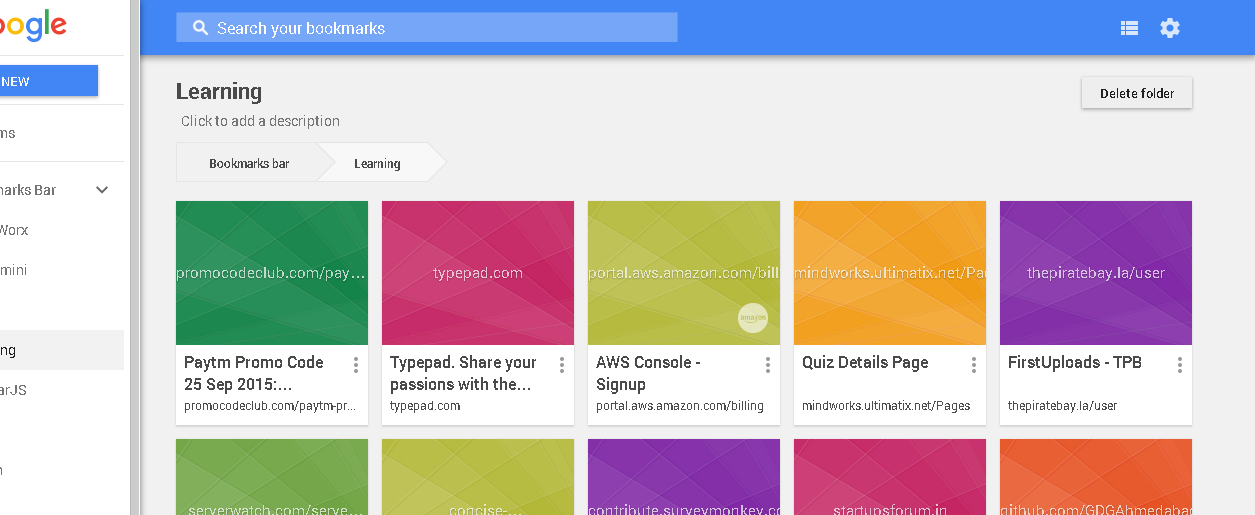
Using Bookmarks Anywhere, you’ll be able to access your Chrome bookmarks from any device, and any browser.
Steps
- Go to the Chrome browser where your bookmarks are, and download the Bookmarks Anywhere extension.
- Now, sign in with the same Google ID you use in the Chrome browser.
Once you’re signed in, all Chrome bookmarks, along with folders will be synced to Bookmarks Anywhere’s servers.
Updates you make are live. So when you create a new bookmark in Chrome, it will be updated to Bookmark Anywhere’s servers and will show up in the website. And the website also lets you manually add new bookmarks if you want.
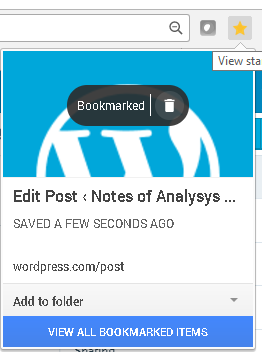
Make Sure that Chrome Sync Settings are turned ON.
